Fixing Keychron K3 brown switch
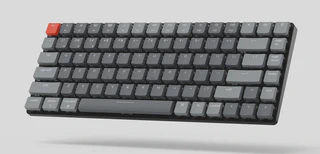 (c) keychron.com
I backed Keychron K3 on Kickstarter, and after a long wait, I received the keyboard with brown optical switches (K3E3 modification), which is pretty awesome except for one nasty tiny detail: the keystroke registers far before the tactile bump.
Here is the illustration of the fixing method, which was also described on reddit.
The first switch took me some time to understand how it works. It is not very difficult to disassemble, but losing some parts is easy. So before the start, I highly recommend placing the patient switch inside a highlighted cardboard box and keeping it there while working on it.
Seriously, consider working inside the cardboard box. You might lose very tinny parts like spring or stem; otherwise, they can jump away quickly, and the box will help to contain them.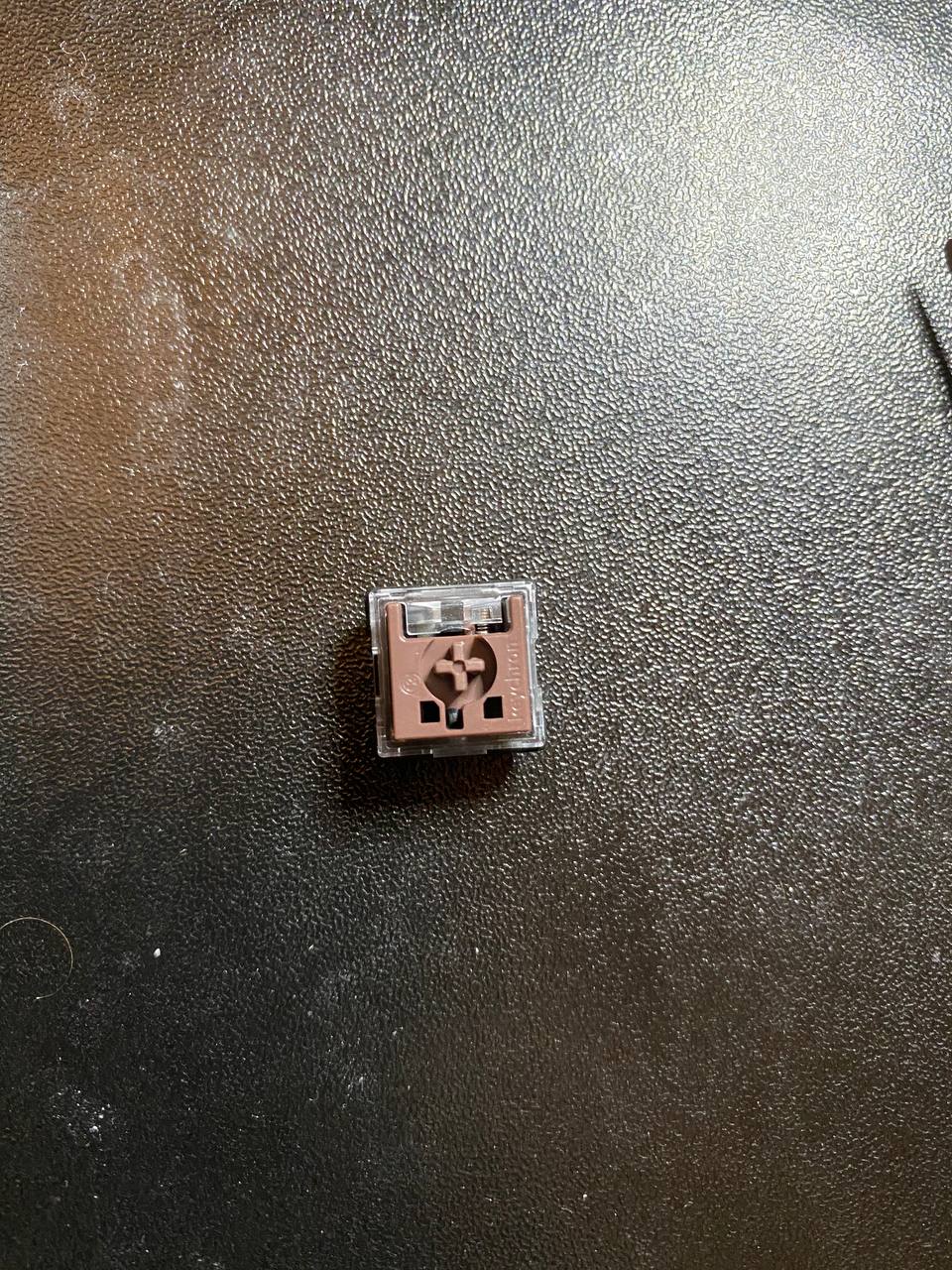
Keychron brown optical switch
1. Take a look at the bottom of the switch: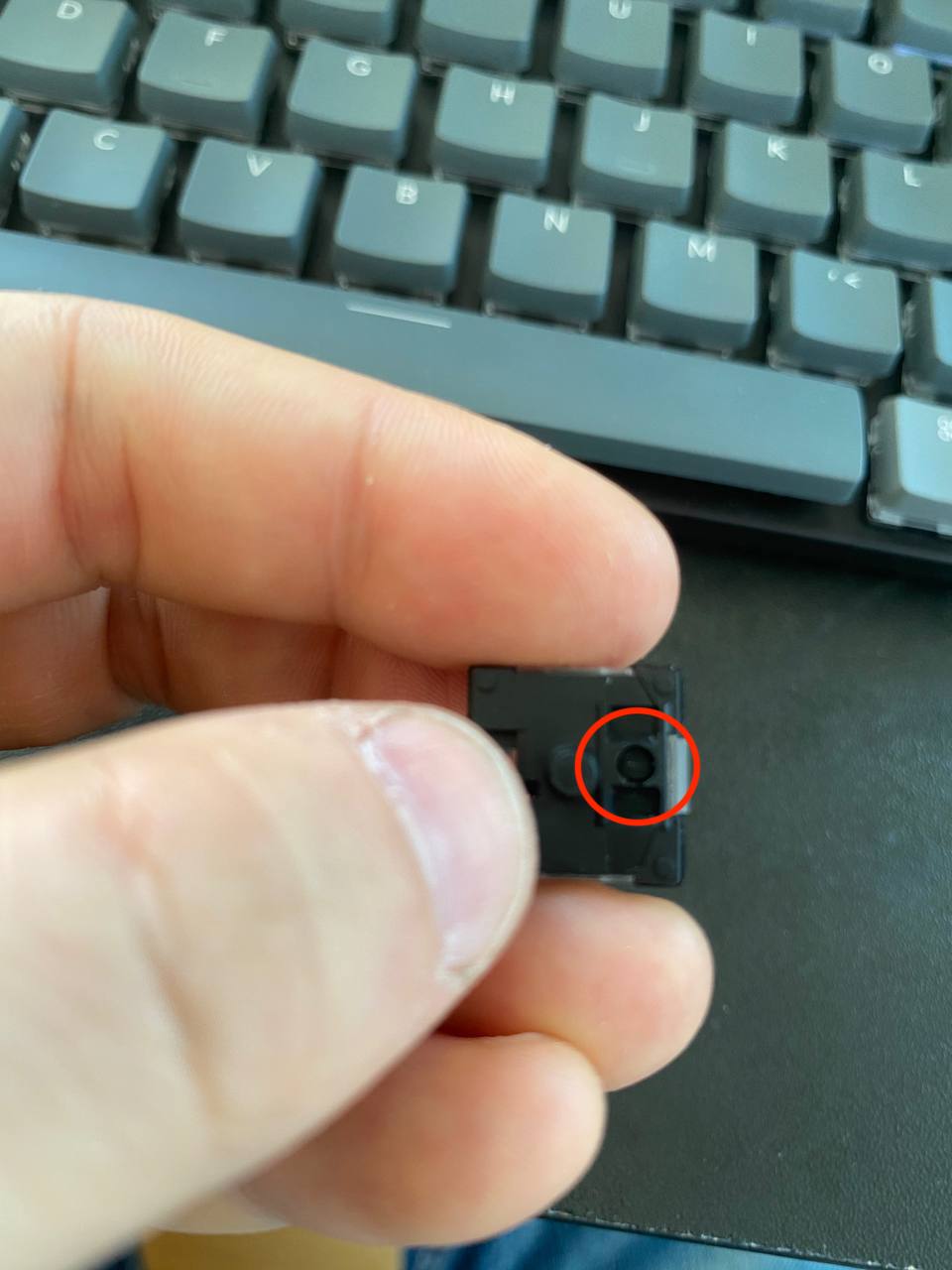
Bottom of K3E3 switch
2. Press the switch.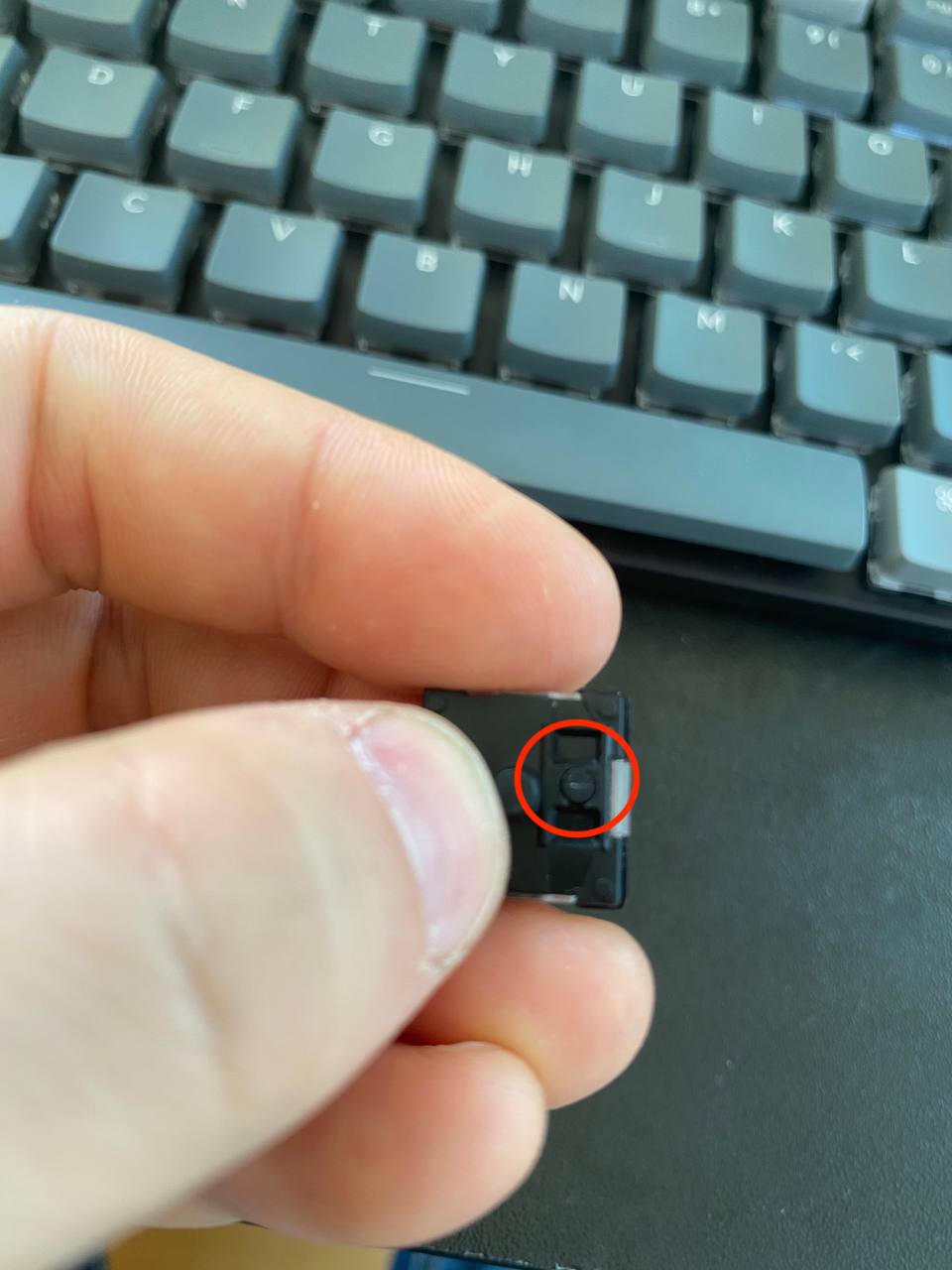
Pressed K3E3 switch
3. Use tweezers or another appropriate tool to press the stem out of the housing.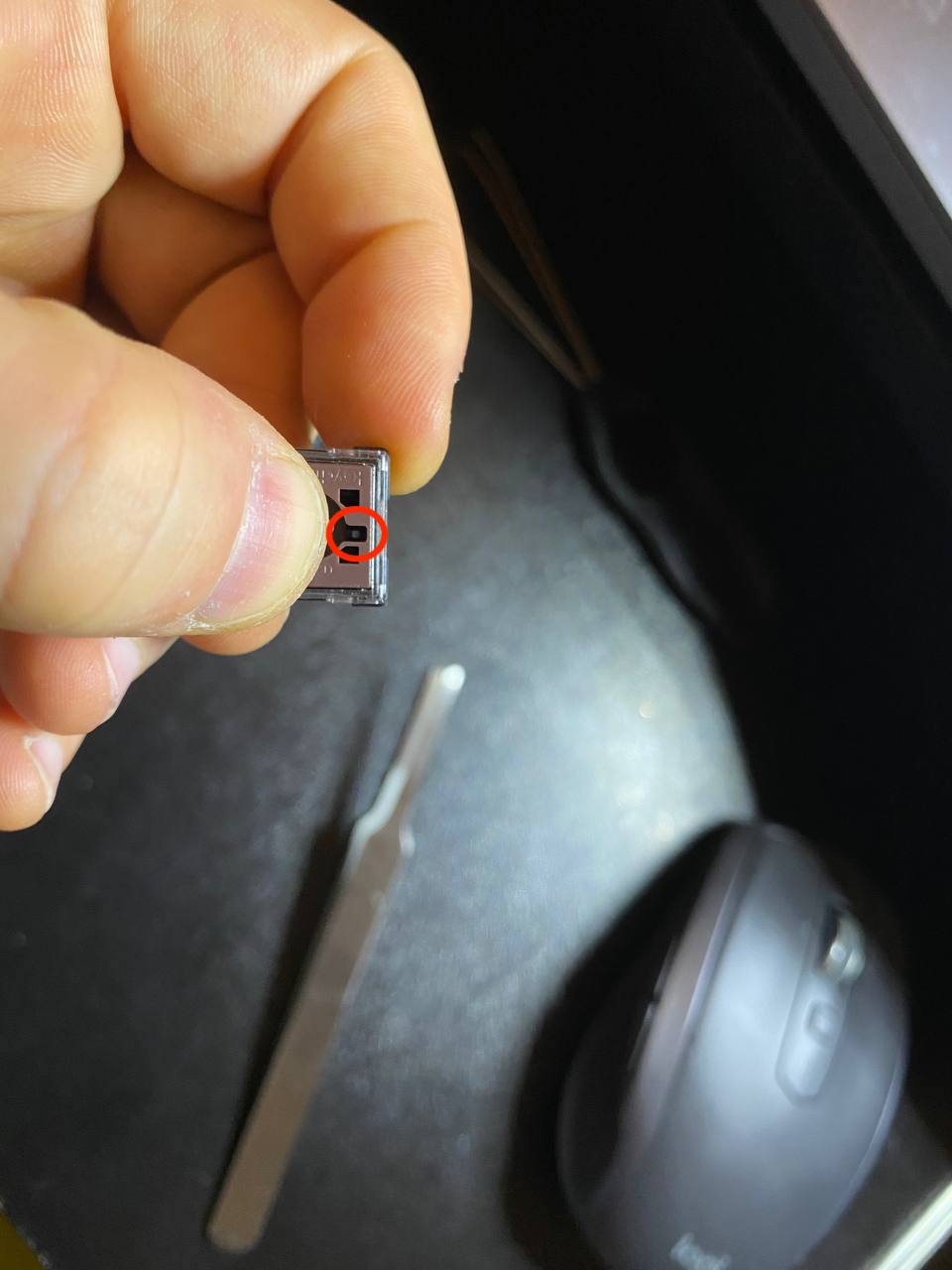
Top of K3E3 switch
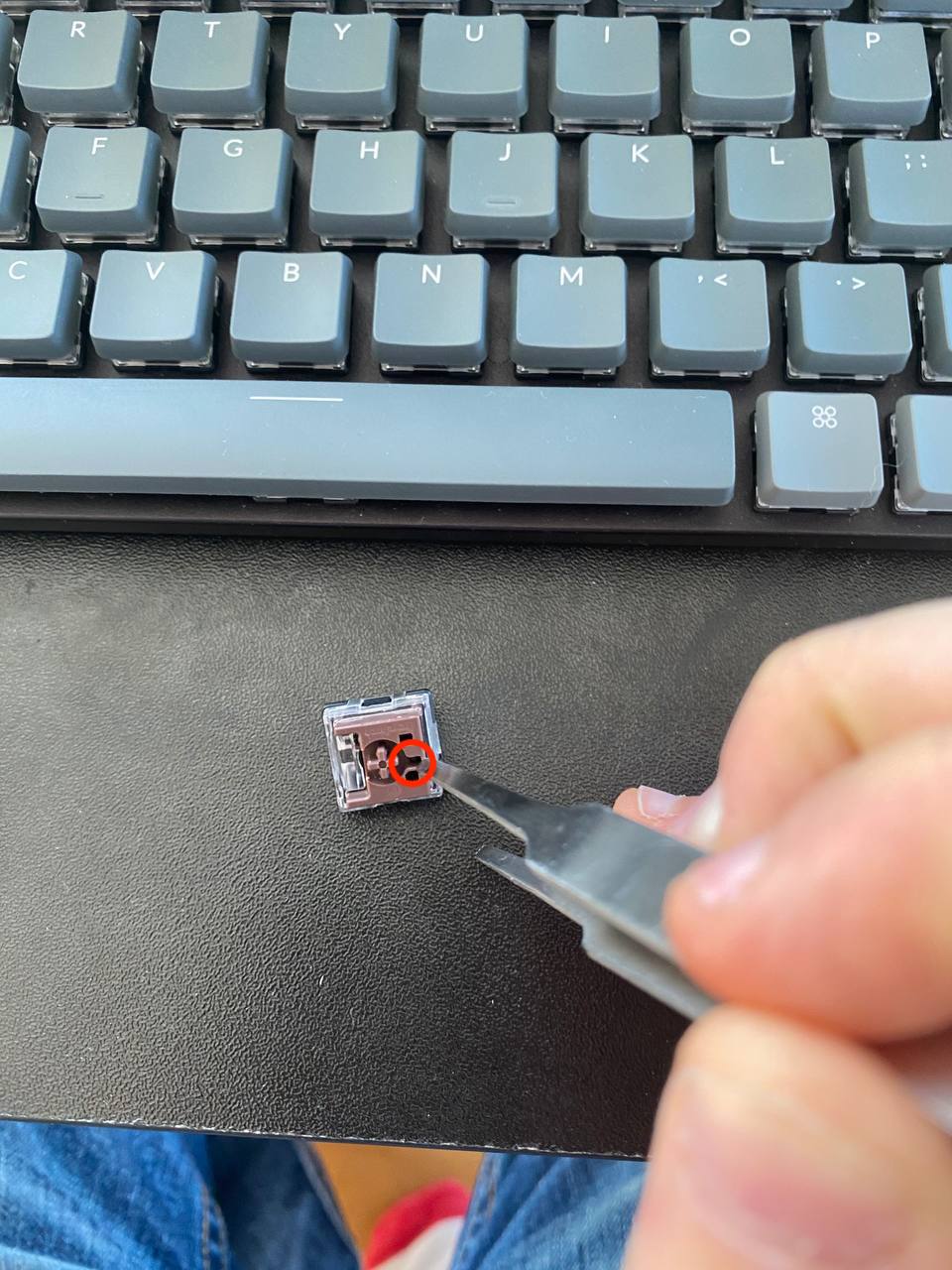
Taking the stem out
4. Keep the stem in a safe place for a moment.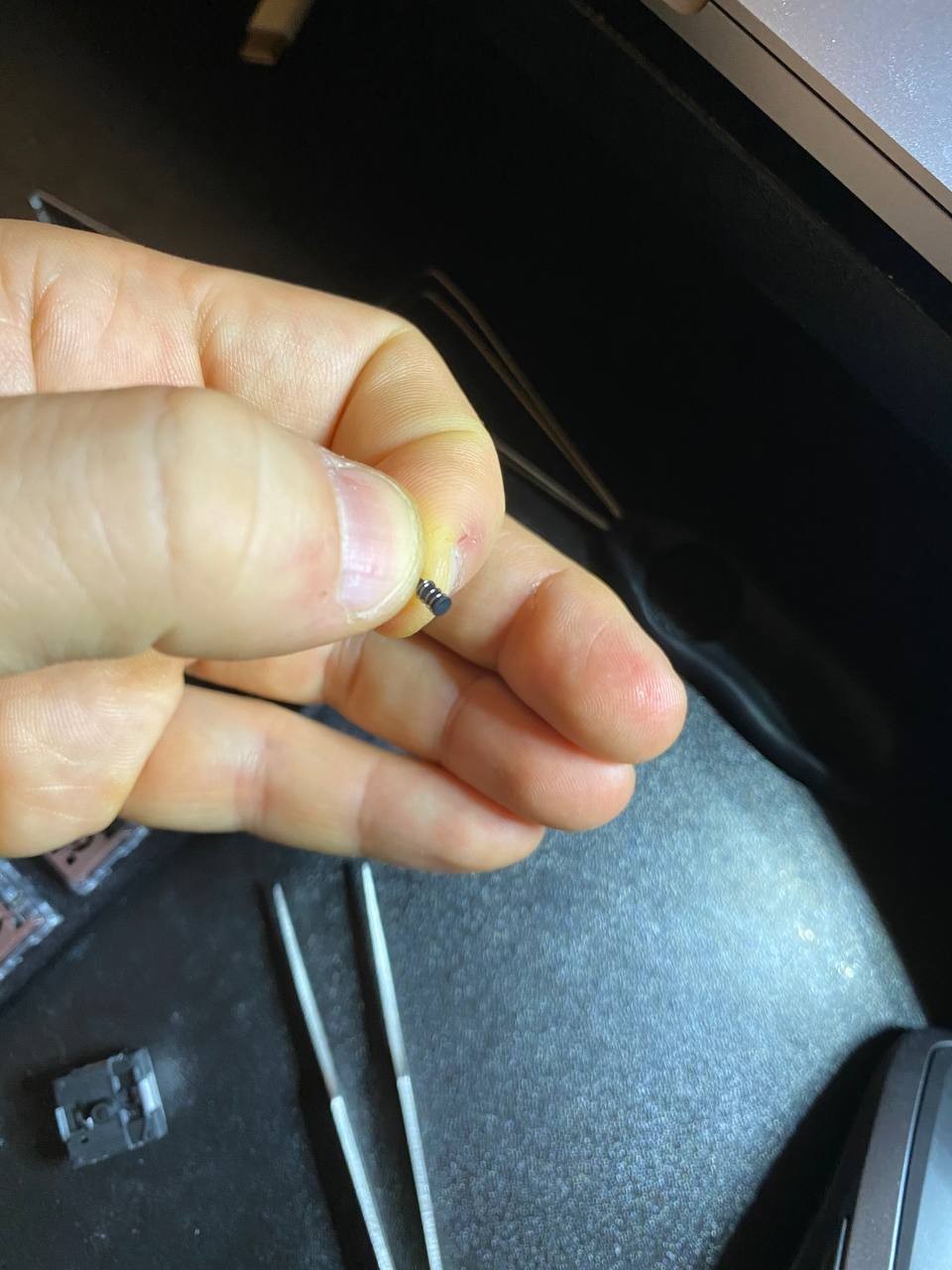
Stem of K3E3
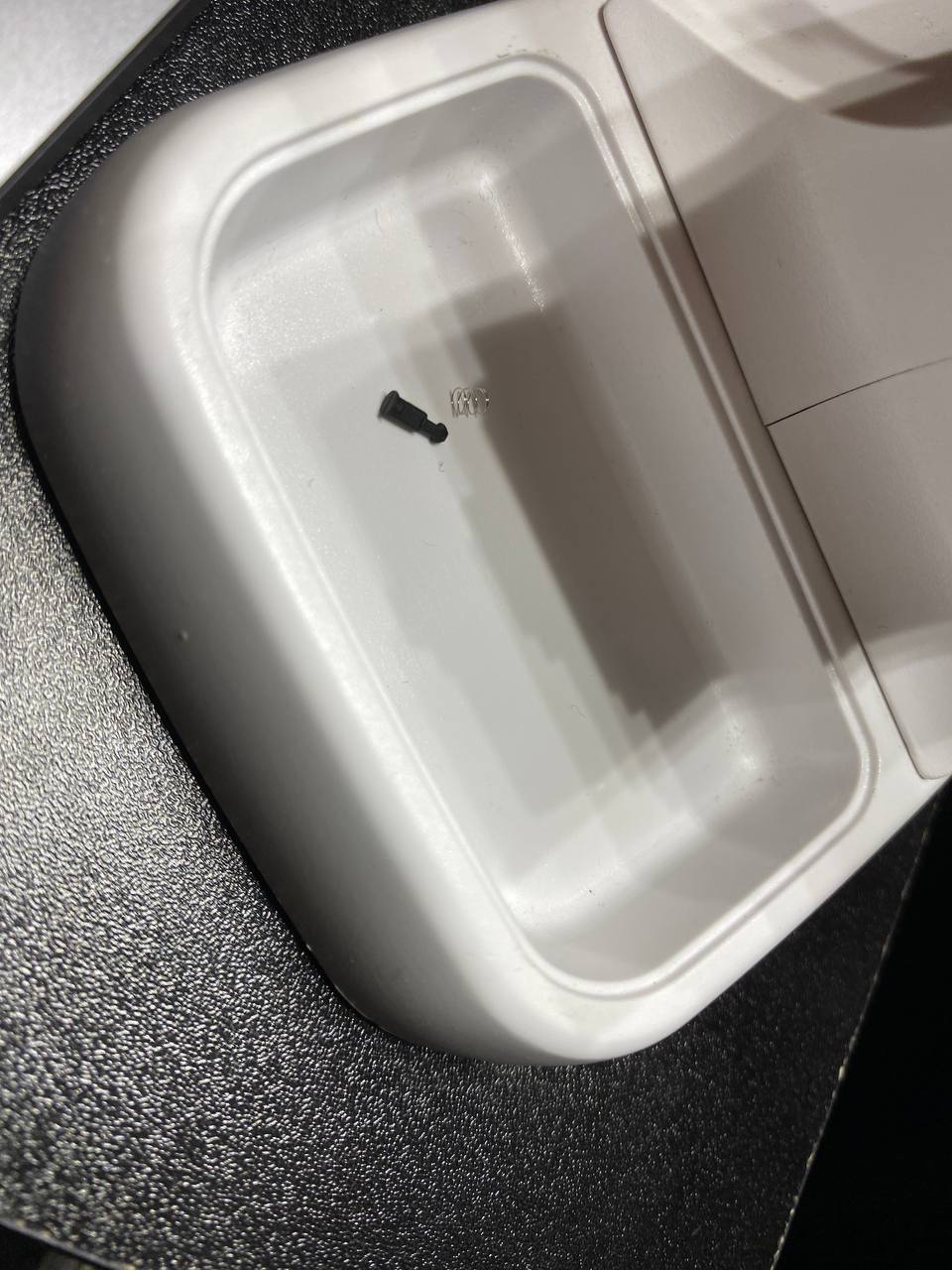
Stem and spring separated
5. Now use tweezers to open the switch.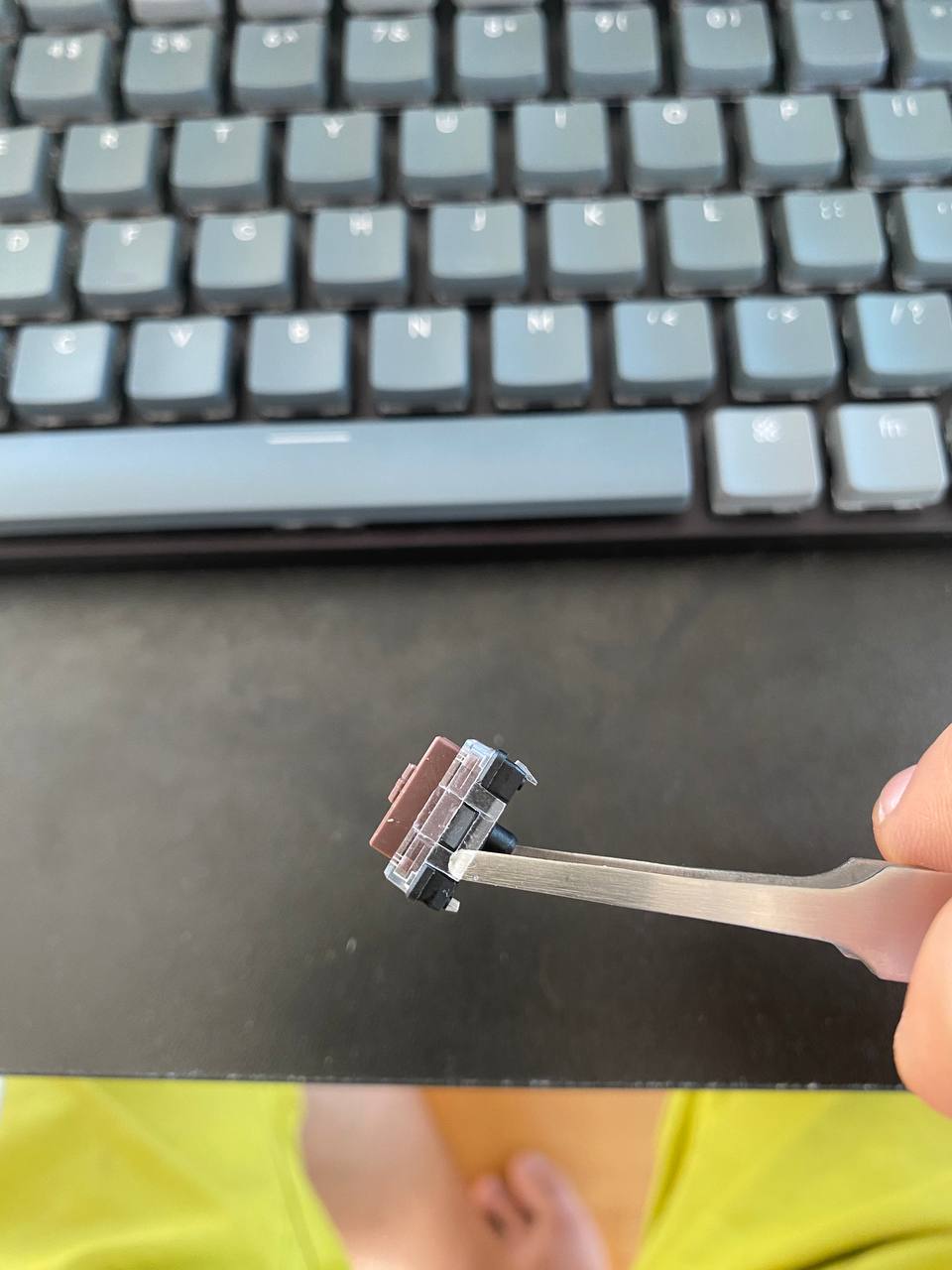
Opening of K3E3
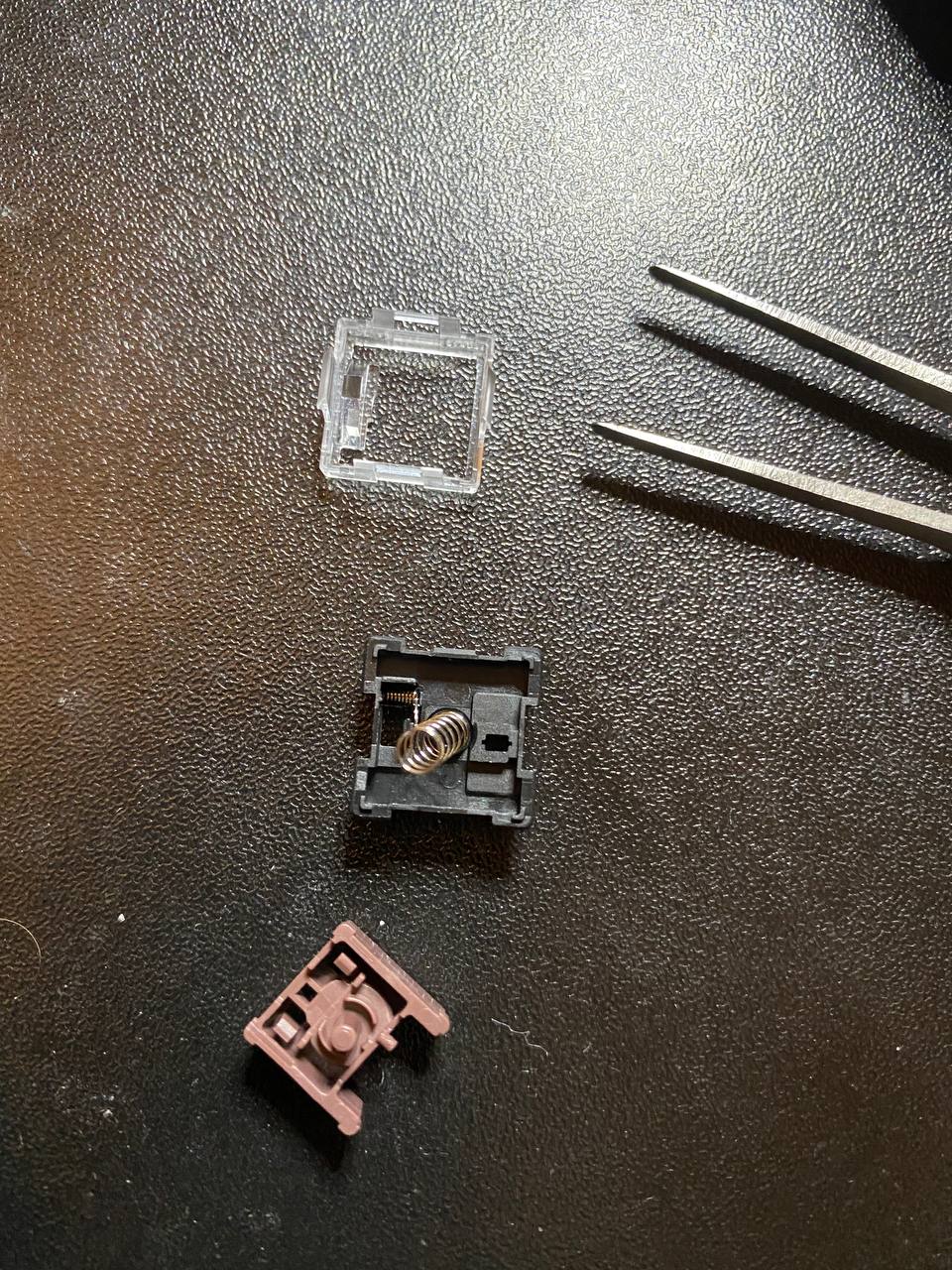
Opened of K3E3
6. Now take the stem without the spring and insert it from the bottom of the switch.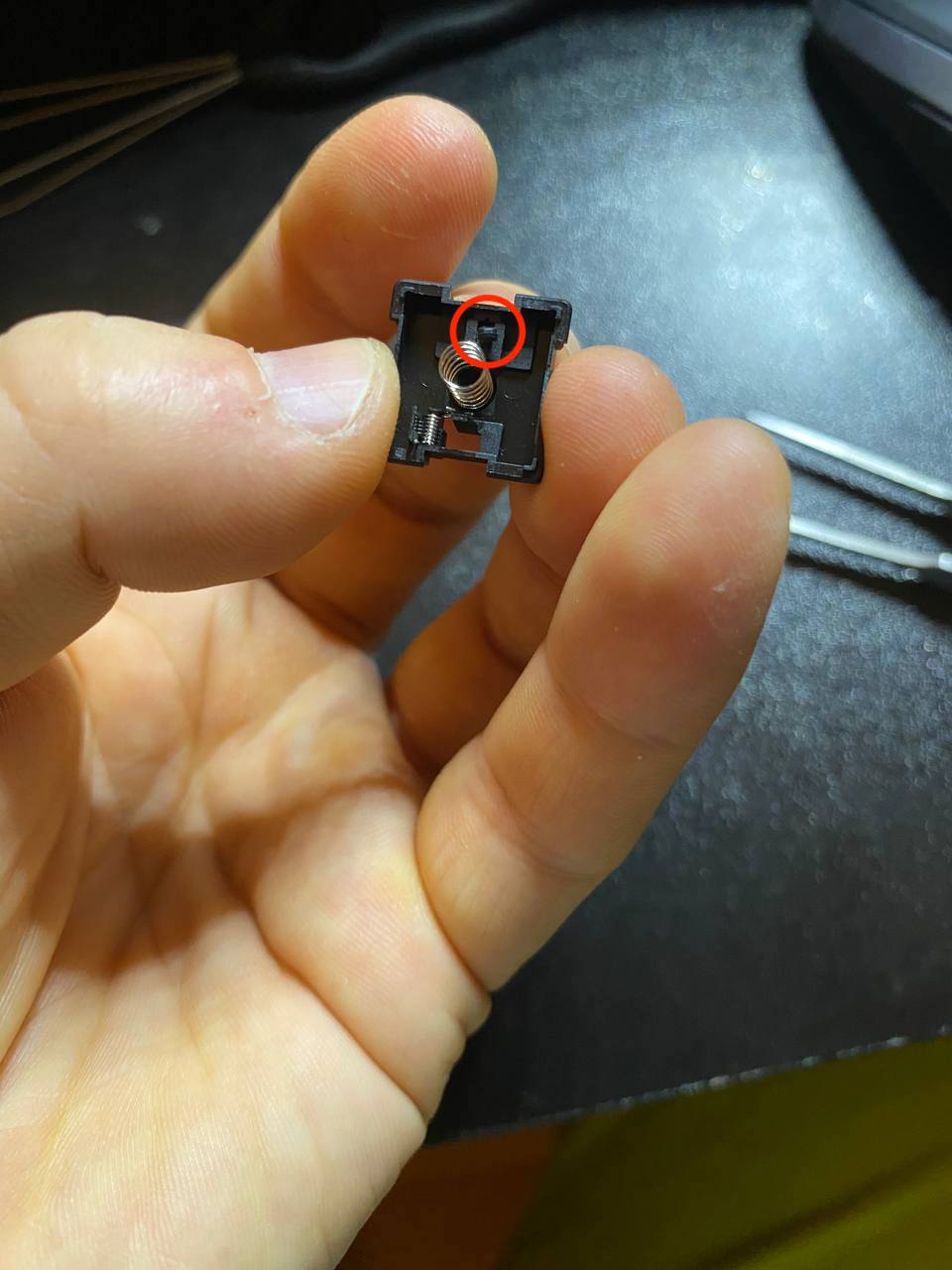
Inserting the stem into K3E3
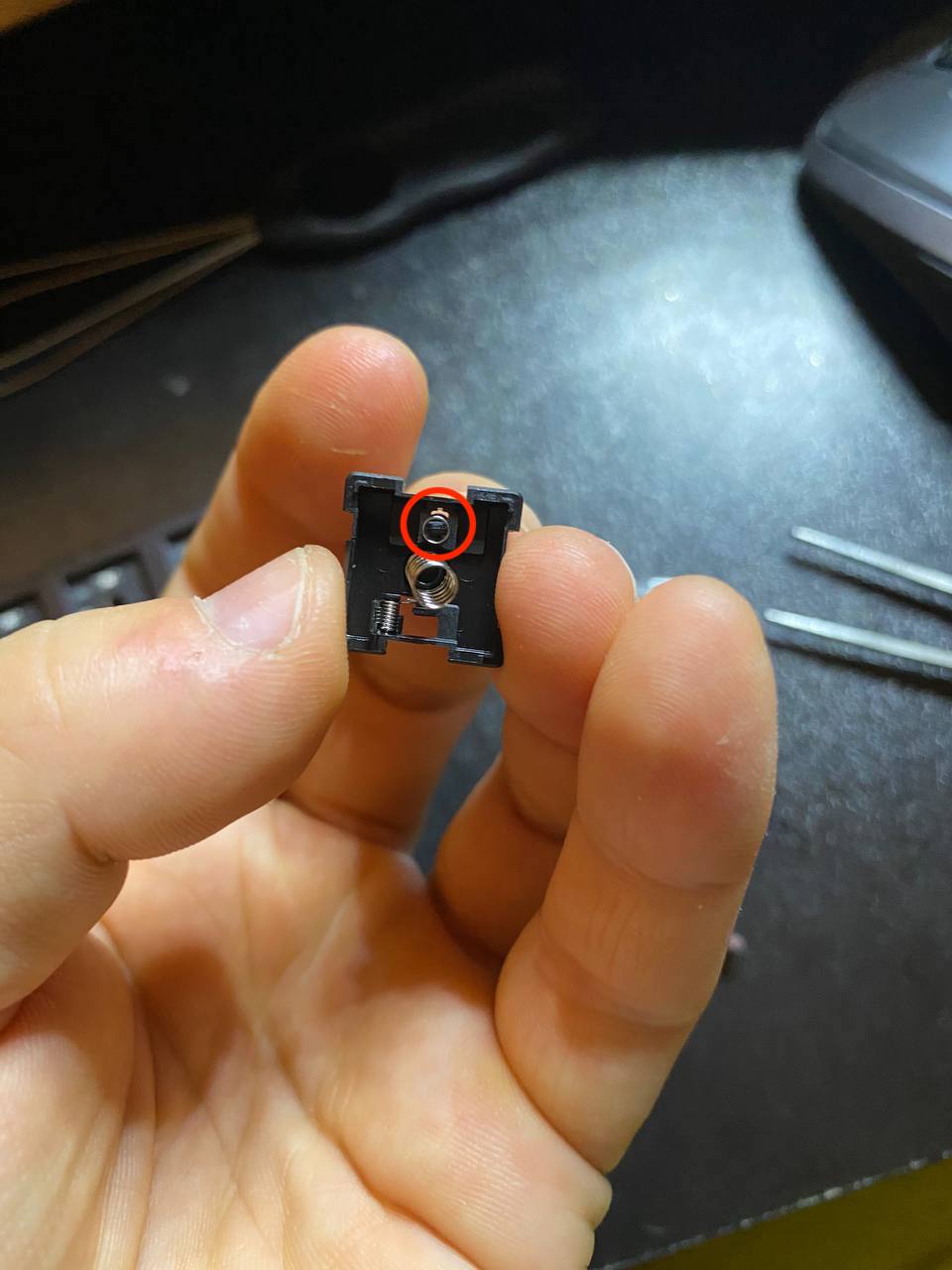
Opened K3E3 switch
7. Now pre-insert the brown part back into the place, but do not press fully yet. We need to move the tactile spring to the correct position.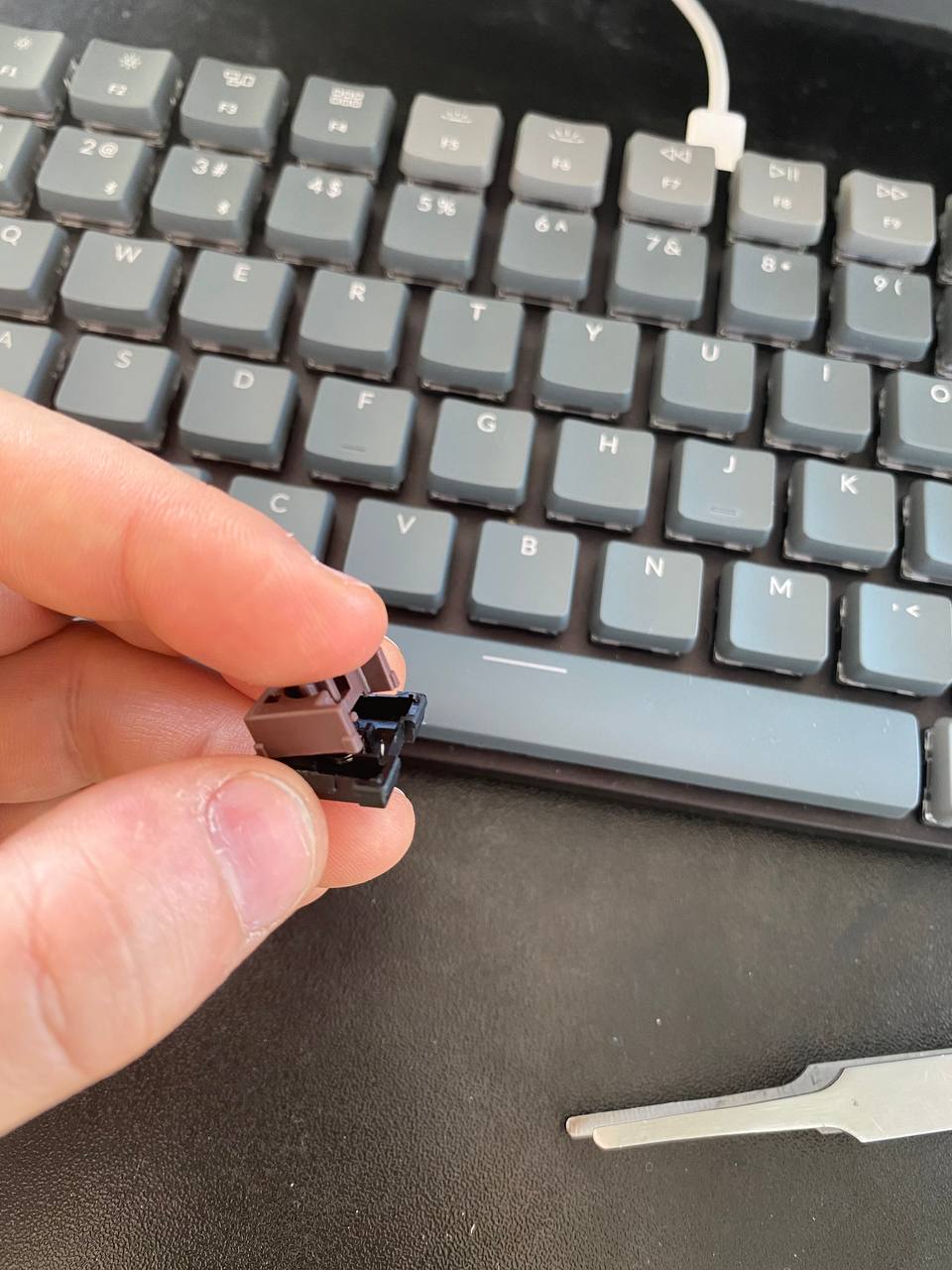
Preinsertion
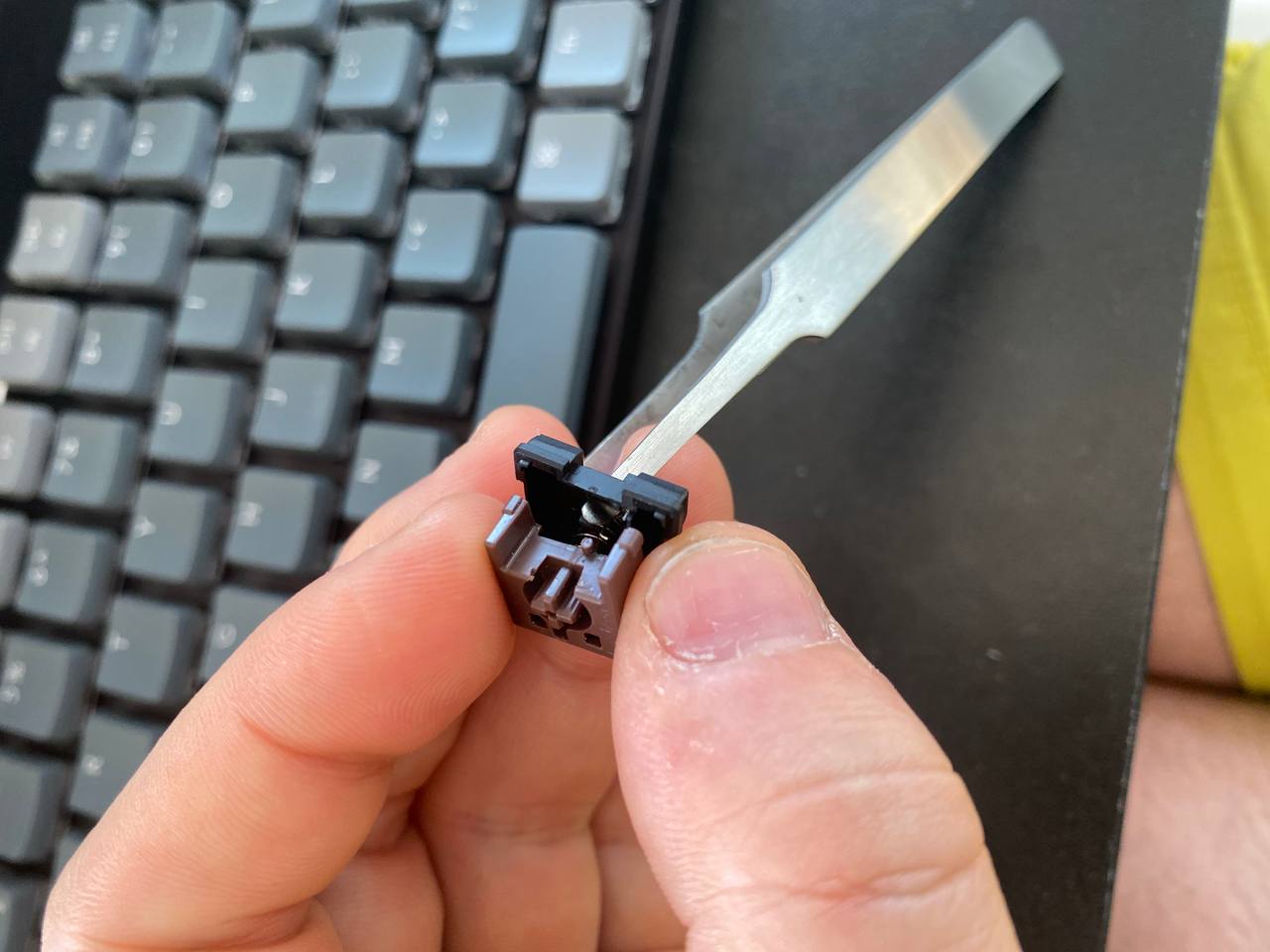
Placing the tactile spring
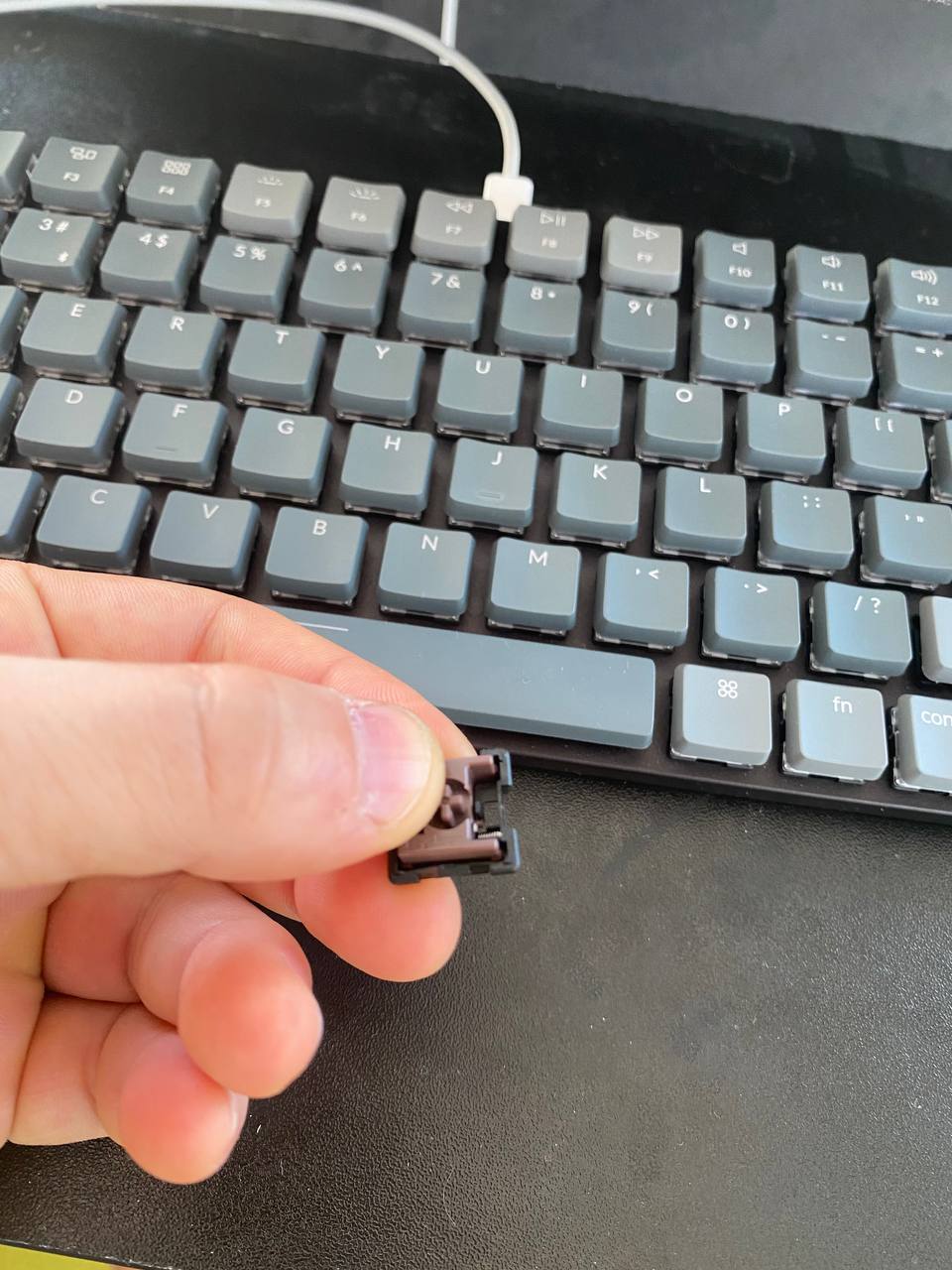
Full press
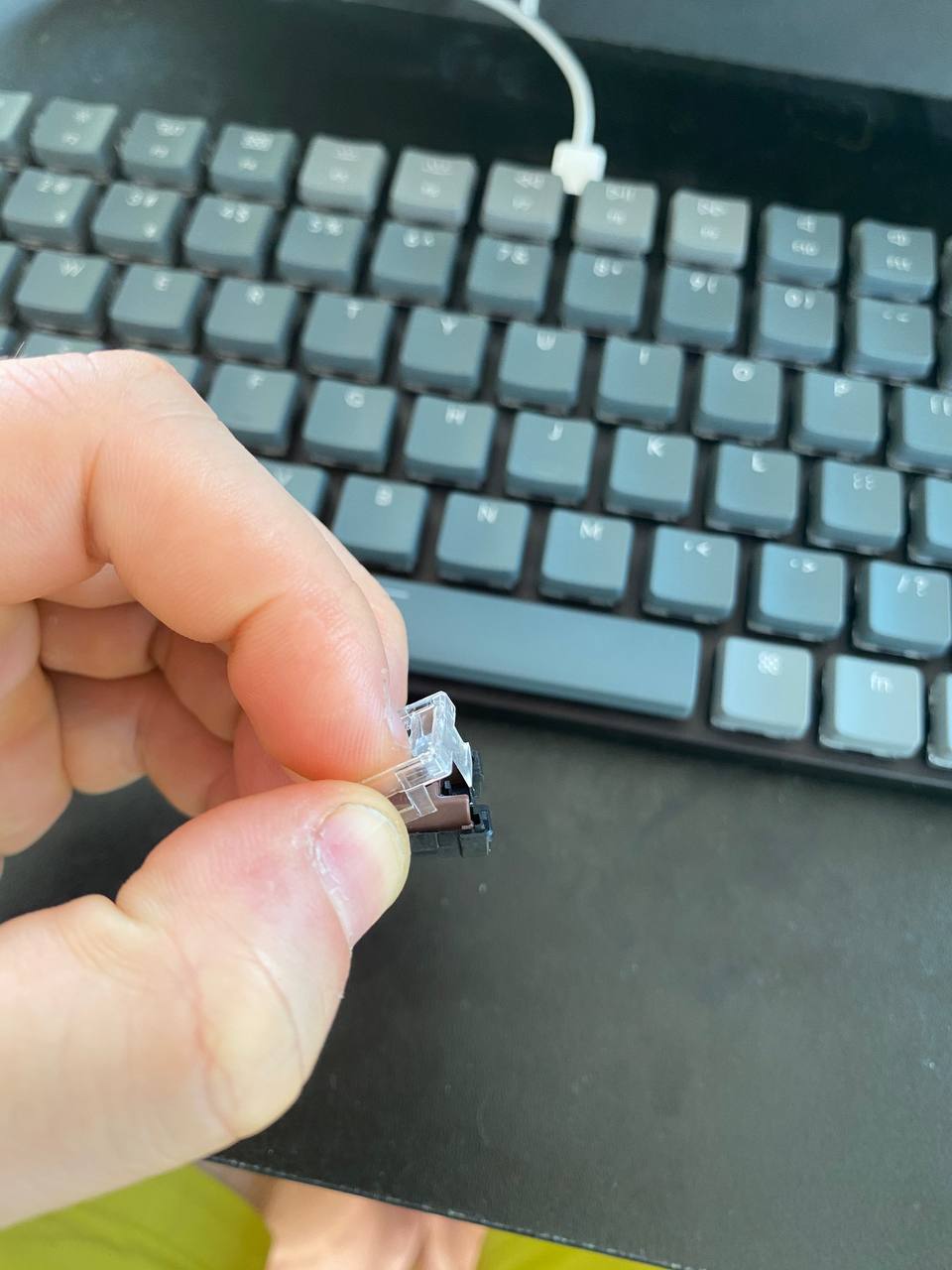
Closing
This post was typed on the upgraded K3E3. The fix took about 4 hours and improved typing speed by a factor of two, and reduced the error rate by a factor of 6.

I am a Software Engineer at Google working on efficient on-device computing.
I earned my PhD at ETH Zürich in the Photogrammetry and Remote Sensing Lab, supervised by Prof. Dr. Konrad Schindler. Before moving to Switzerland I completed my masters in Moscow where I graduated with honors from Moscow Institute of Physics and Technology (MIPT) and from Skolkovo Institute of Science and Technology (Skoltech).
I started my expansion towards west with a move to Kazan (where I spent 1 year at Innopolis) from Ekaterinburg (where I grew up and made my first bachelor degree in electrical engineering and graduated with honors from Ural Federal University).